Let’s talk about small business websites—how to design, build, and launch a site that actually helps you grow your revenue, boost profits, and scale your company. We’re going to walk through 10 practical steps together to help you create or improve your website with confidence.
Before we dive in, let’s get clear on what a website really is. At its core, your website is a CMS—a content management system. For inspiration on building a strong brand that supports your business online, check out these powerful branding quotes to inspire your business and your brand.
A website is only as good as the content, branding, and online tools you choose to connect with it.
A website is only as good as the content, branding, and online tools you choose to connect with it.
Some websites are fantastic, others—not so much. Working with professionals can help ensure your website is polished and effective. If you follow these 10 tips, you’ll be well on your way to a website that actually works for your business.
Remember, your website isn’t just a CMS—it’s the online hub for your business.
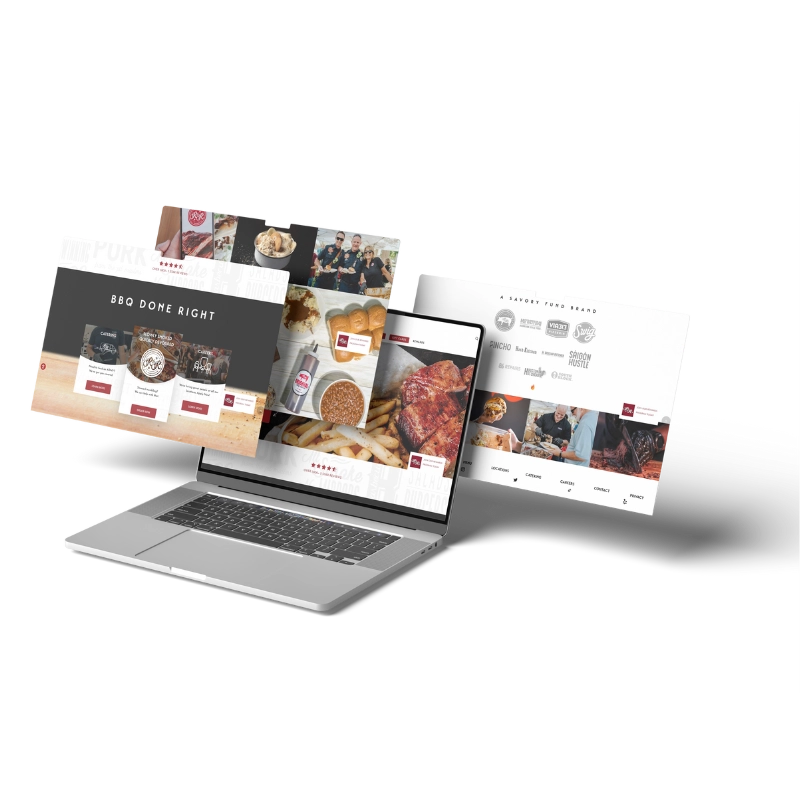
It’s your online hub for your business. Whether you’re brick-and-mortar, whether you are a personal brand, whether you’re an e-commerce brand, whether you sell products, you sell services, you sell software, your website is something that’s going to help you grow, right? An ecommerce website is designed to showcase products, facilitate transactions, and provide a seamless shopping experience. Adding an online store with features like a shop page and product sliders can help promote your goods and make online transactions easy for your customers.
Every small business needs a website. Why? First, it helps you generate new revenue by capturing leads and contact info, and it can help you close deals—especially if you’re in B2B.
It also builds trust. Ever looked up a restaurant or service, found their social media or Google profile, and realized they don’t even have a website?
All of a sudden, the legitimacy of that company is in question, right? So it helps you increase revenue. It helps you generate more leads and customers, while also building trust. A professional website with high quality photos builds credibility and attracts customers by showcasing your offerings in the best possible light.
But that’s not all—a great website can also make your operations smoother.
It can improve your employee and client onboarding and offboarding. It can be a database of resources, guidelines, and FAQs.
It can even double as an online pitch deck for your sales team or serve as the backbone of your marketing campaigns. Integrating digital marketing and email marketing strategies into your website helps you reach and engage your target audience more effectively.
It can be used to store or showcase important company projects and success stories in cases. So a website can do so much for your business.
1. Understand Your Website Goals, Metrics & KPIs
Start by getting clear on what kind of business you are—B2B, B2C, B2G, B2B2C, tech, home services, blue collar, white collar—you name it.
What do you do? Make that very clear. What kind of brand are you? What do you actually do? Spell it out. Is it important, and do you want to skip this step? Because once you understand exactly who you are as a business, what vertical you’re in, and your vision, you can start to identify what the goals are for your website, right? Understanding your target audience and the market you operate in is crucial for positioning your website effectively and staying competitive.
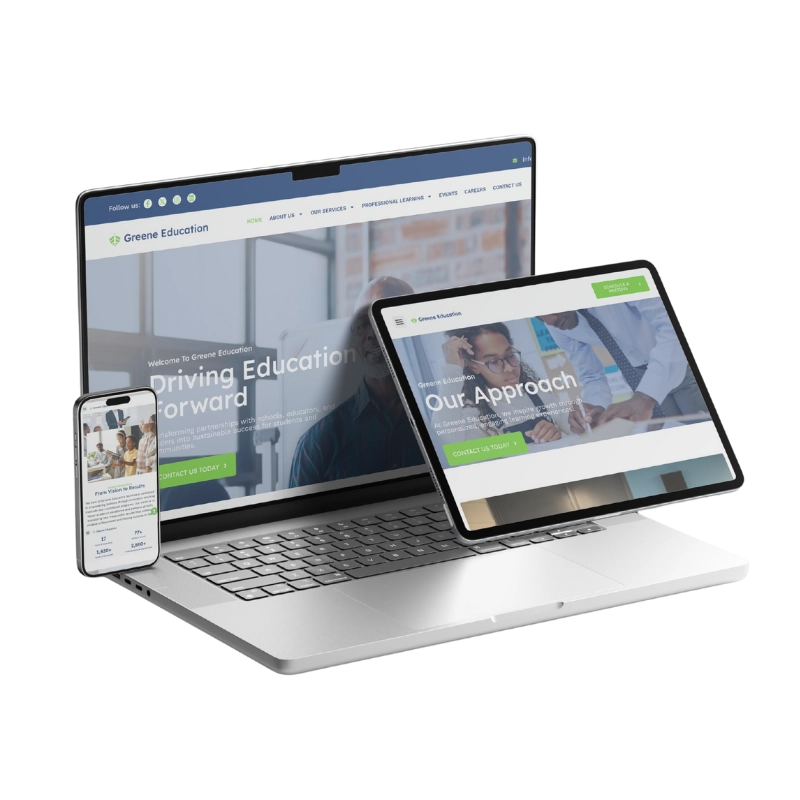
What do you want your website to do for you? Do you want it to build trust? Do you want it to help close deals in the B2B space? Your website should be designed to attract new customers and convert potential customers who are searching for your products or services.
Bring in more customers and revenue? Be a resource for your current clients?
What are the KPIs by which you’ll measure the success of your website?
2. Don’t Underestimate Your Website’s Operational Capabilities
Number two, I usually tell small business owners and entrepreneurs that we tend to overestimate the sales and marketing capabilities of our new small business website.
It’s easy to think that launching a new website will suddenly flood you with leads and double your revenue.
No, right? The website is only as good as the marketing, advertising, and strategy that you put into it.
However, small business owners tend to underestimate the operational capabilities of a website. For example, if you’re in the B2B space as a small business, you can utilize your website to showcase awards, certifications, case studies, portfolio pieces, FAQs, customer/client logins, and highlight your unique services to set your business apart.
Send clients there for onboarding, offboarding, support, or extra resources. Easy access to these features can improve efficiency for both your team and your clients. Highlight your team and foster a strong company culture.
It can serve as a place to document your company’s history. It can be a physical location, a wiki for your employees, clients, or customers.
A well-built website can make your day-to-day life so much easier. Don’t underestimate those operational wins.
Ask yourself: What processes or operations could you move online?

3. Choose The Right Website Building Platform (CMS)
Next, step three: choose the right platform. There is, of course, no one right answer, but I have a few recommendations. Choosing the right website builder is crucial for meeting your business needs, as different builders offer varying levels of flexibility, features, and ease of use.
If you’re a small team or flying solo—maybe just you, an intern, or a family member— I highly recommend choosing one of these highly effective, reasonably affordable, out-of-the-box CMS platforms, such as Wix, for example. Other options include GoDaddy Arrow, Squarespace, and Webflow, among many others. Comparing different builders can help you find the best fit for your business.
Personally, I’m a fan of Wix—they’re always innovating, the dashboard is intuitive, and you get a ton of features. The drag and drop editor and AI website builder make the process of creating your site much easier and more intuitive, even for beginners.

Their pricing is very fair, and, as I mentioned, they’re constantly adding new features and AI technologies to make it easy for small business owners and entrepreneurs to manage their entire company.
It’s more than just a website. If you’re a bigger company ready to invest in marketing and aggressive growth, check out WordPress.
It’s a little bit harder to design on your own. It’s a little bit harder to manage on your own, but WordPress is open source and the CMS itself is free. You’ll need to buy your own domain and hosting, but here’s the kicker: over 40% of all websites use WordPress. That’s huge.
That’s powerful for you because you’re more likely to hire employees who have experience using WordPress. And if you’re working with freelancers or agencies, marketing agencies, sales agencies, growth agencies, they are going to be happy if you’re using WordPress.
I don’t recommend going wild with custom coding or heavy customization.
Consider using one of these CMSs, such as WordPress, if you’re looking to grow more aggressively, or a simpler platform like Wix or Shopify, which is a great example for e-commerce. Small business website builders and ecommerce platforms like Shopify allow you to sell online, set up detailed product pages, and offer multiple payment options to your customers.
That’s another point I don’t want to forget, which is a common pitfall I often see with small businesses and startups when it comes to their website: they try to customize it way too much.
If you find that you’re trying to customize your plugins, edit the code, and change the CSS successfully, but you want it to be exactly this way, you’re going to create more problems than solutions. A good builder creates a website with intuitive design and responsive design, ensuring your site looks great and functions well on all devices.
Don’t lose sight of the big picture. Customization has its pros and cons—keep it smart and simple.
Keep it simple. Keep it streamlined. It’ll help you grow faster. Minimalist design not only enhances clarity but also projects professionalism and makes your content stand out.
4. Build Your Website Tech Stack Carefully
Number four is the tech stack. Like I said before, the difference between a good website and a world-class growth engine that works for your company 24/7/365 and never asks for a raise is the tools that you choose to connect to your website.
You should definitely have a CRM that’s integrated with your website. You should consider that if your e-commerce site is going to be there, there will be other online tools, such as abandoned cart automations, payment processors, shipping, communication, taxes, etc. Enabling online orders through your shop, and promoting sales with special offers or discounts, can significantly enhance customer convenience and drive more conversions.
With the right CRM, the platform usually comes with live chat, contact forms, downloadables, lead magnets, email, and nurture sequences and workflows.

You may have other tools, such as a locator or a map locator. You could have a membership login or a dashboard. Integrating your Instagram feed is also a great way to showcase your latest products or projects directly on your website.
There are so many tools, and that can be the difference between a good website and a great one, right? Featuring customer testimonials and using bold fonts and bold colors throughout your site can help build trust, engage visitors, and make your website visually appealing.
5. Focus On Original & Clear Content
Content is king. As I mentioned earlier, your website will only be as good as the content you create.
I have a few quick guidelines here. The first guideline is that original content is generally preferable to stock or AI-generated content, where possible.
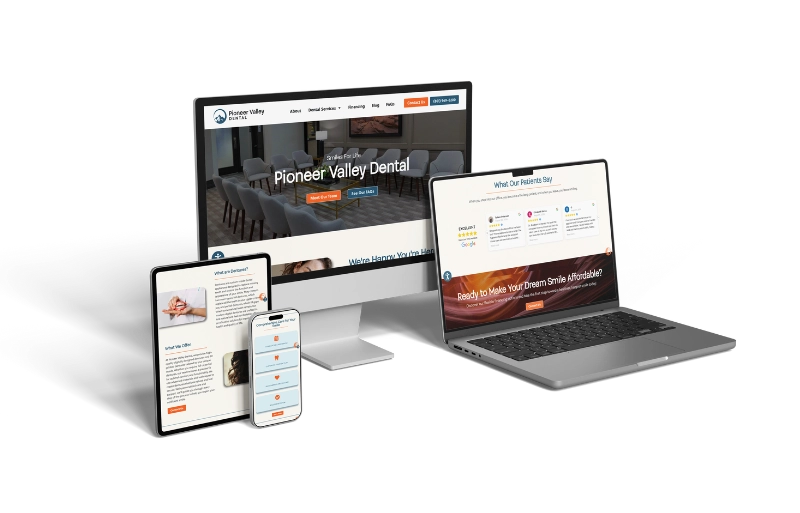
Now that your time is limited, I would always prefer to have a well-edited or candid photo of you or your team over a stock photo of generic business people. I’m a fan of real photos over stock photography.
In my opinion, you should not use stock photography on your website. Very, very, very rarely should that be the case.
So invest in your content. Start with the copyright and messaging, the words, and ensure your story is clear. It’s captivating.
It focuses on the value and the benefits that your product or service provides to your customers. Great small business websites use storytelling and visuals to showcase what makes them a great business, building trust and credibility. Then you can start to get creative with your photos, videos, graphics, icons, colors, and more. Use eye catching design features and subtle animations to engage visitors and make your site stand out.
But content really is king.
6. Follow A Proven Process in Building Your Website
Okay, number six is to follow a process when you build your website. If you visit our website, and explore our build service, you’ll find 10 chapters that we follow when designing or building a new website.
And those 10 steps are discovery, research, strategy, and site map, which are all the pages on your website and how they will be connected to each other.
Page layout, online tools, content implementation, UX/UI design, automation, optimization, and finally, launch. As you move through these steps, focus on creating content and features that align with your business goals. It’s also helpful to look at design examples and real-world examples of successful small business websites for inspiration and to see what works well in your industry.
Just like building a house, you’re not going to jump right to, ‘Well, what colors am I going to make the walls?‘
When you haven’t even decided yet how many rooms your house is going to have, where you’re building your house, how many floors are going to be, what’s your budget?

There are so many steps to take before the fun, creative design stuff. Have a process. I recommend that you follow the process we outline on our website for building a world-class online experience.
Build discovery, research, strategy, site map, page layout, online tools, content implementation, UX/UI design, automation, optimization, and finally launch. When working on UX/UI design, make sure your website has intuitive navigation so visitors can easily find what they need and enjoy a seamless experience.
7. Be Simple In Your Website Structure and Design!
Okay, tip number seven, be simple. As small business owners, we tend to put way too much on our websites. There’s too much information being presented to the customer on the homepage.
We’re trying to say too much. We’re focusing on all the details. We’re not being clear. We’re trying to convey too much information, which can be overwhelming for a customer or viewer.
For many small business website design projects, using a one page layout can be an effective approach. A one page website keeps things clear and focused, making navigation easy and helping visitors quickly understand your services or brand message.
So be simple. Use secondary pages, a secondary menu, and your footer to store additional information, such as FAQs, features, and other key details.
8. Make Your Website Easy To Change, Maintain and Grow
However, you should focus on a very high level on the next step: ensuring that you are comfortable, confident, and autonomous with your new website, so that you can continue to change and grow it. Maintaining a strong business online helps you reach more customers and stay competitive in the digital space.
You want to ensure that you design and build a website that won’t be a nightmare to maintain and update.
Again, one of the reasons I recommend CMS like Wix, Shopify, WooCommerce, or WordPress is that they offer flexibility and customization options. You want to ensure that your website is built and designed in a way that makes it easy for you, or even an intern, to make changes to your website.
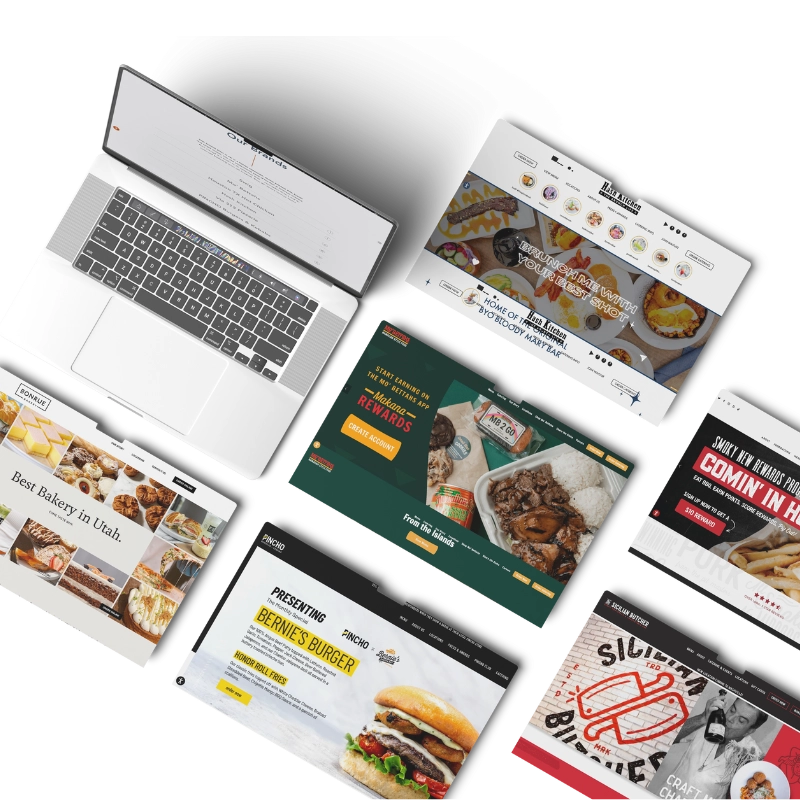
Another recommendation I have is that a website is a great way to repurpose content and kill multiple birds with one stone. Repurposing content can increase organic traffic and improve your website’s visibility in search engine results.
For example, you could publish a blog on your travel website, and the blog is titled Five Best Places to travel in the summer of 2026 if you’re on a Budget.
You write the blog, spending time, effort, and energy on it. There are plugins and tools that, once you publish your blog to your website, will automatically show it on your homepage, for example.
Perhaps your homepage displays the latest three blogs at the bottom, so that’s always showing you are relevant, fresh, and producing new content. People like that when they visit a website’s homepage.
You can also use online tools and automations that, when you publish your blog, automatically send it out as an email newsletter.
And then you can go back into your blog and take little bits and pieces, slice and dice it, and create multiple LinkedIn, Twitter, Instagram, YouTube, and Facebook posts.
Notice how you can repurpose content on your website, but your website serves as the hub where a lot of your content, especially long-form content, should ultimately reside.
It’s great for sales enablement. It’s obviously very good for SEO and GEO. It’s great for ranking higher in AI chats, and it’s great for your brand.
9. Do the SEO basics for your website
Okay, point number nine is basic SEO. Any small business owner or entrepreneur should learn the basics of SEO. Don’t get overwhelmed with all the technical jargon.
Right, you might be talking to an SEO specialist, marketing agency, or freelancer, and they’re mentioning all these overwhelming terms about technical Colessio and submitting your TXT files, and you know your site speed and accessibility, and a lot of that’s important, but 90% of SEO, in my opinion, is rooted in foundational practices like Generate Engine Optimization (GEO), which is becoming increasingly important in the age of AI.
Just doing the basics right, and the basics are: do you have good content? Are you answering questions that your customers would naturally ask, and are you doing so in a natural way?
Are you consistently adding new, fresh, relevant, and original content? Do you have meta titles and meta descriptions set up? Is your page speed at least good?
Is your website at least accessible? Make sure your website uses responsive design so it looks great and functions well on all mobile devices, which is essential for both user experience and SEO. Do you have any broken links? If so, remove them. Is your website listed on other online tools, online listings like Google Business Profile, your Facebook company page, LinkedIn, and other online listings etc.?
Optimizing your website for search engines is crucial to improve your visibility and attract more organic traffic. The best small business websites are designed to engage visitors and convert potential customers and potential clients by providing a seamless experience that builds trust and encourages action.
So, don’t be overwhelmed by all the crazy SEO out there. I certainly don’t recommend paying a lot of money to an agency to do SEO when 90% of it can be done very much on your own by building out these processes, procedures, and standard operating procedures.
Most CMS platforms I mentioned have built-in SEO tools that make it easy.
Wix has an SEO wizard, Shopify walks you through SEO steps, and WordPress has the Yoast plugin.
These tools make it easy to check your keywords and update your meta titles and descriptions.
So learn the basics and actually do them—it’ll pay off in the long run.
10. Rollout Your Website and Link It Everywhere!
Finally, number 10 is to use your website. Roll it out, right? Once you’ve designed and built your website and launched it, many small businesses forget to do a rollout. Remember, launching a professional website is essential for establishing a good business reputation and building trust with your audience.
Start with an internal rollout—sit down with your team and walk through the new site together.
Show them how to use it, explain its benefits to them, and demonstrate how it’ll make their jobs easier. Get everyone excited.
Then roll it out to your customers and followers—post on social media,
send out an email blast or newsletter, and let your partners, network, friends, family, and past customers know about your new site.
Consider adding a special promotion or offer to get people excited to visit, and make sure to diversify your social media content to engage a broader audience.
Activate your website—ensure that everyone on your team includes it in their email signatures.
Update your Facebook page, Google Business Profile, and other listings. Utilize tools like BrightLocal or Yext to update your information across all platforms.
This is great for SEO, local SEO, building backlinks, and increasing your brand’s visibility to more people.
Hopefully these 10 tips feel easy and practical—they really will drive real growth and results.
You can absolutely build a world-class website as a small business. Your site should reflect the quality and high standards of what you offer. Small business website design plays a crucial role in your credibility and customer trust, so investing in a professional website is key to standing out as a good business.
Too often, I see great small businesses with awesome products and services—but their website just isn’t doing them any favors.
Make sure your website truly represents your brand and works for you—not against you. Follow these 10 tips and you’ll get there.
Good luck out there! If you want a free website audit or consultation, reach out. We’re here to help.